Quick Start
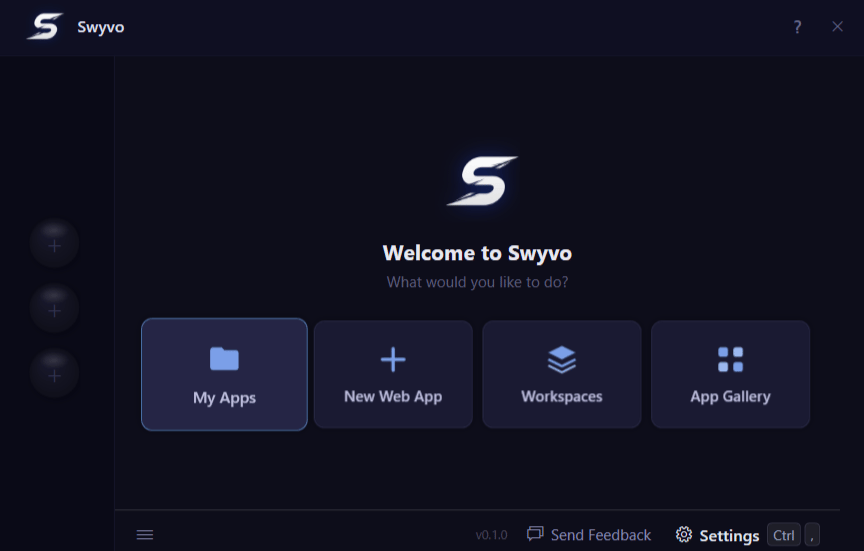
Get up and running with Swyvo in three simple steps:- Launch Swyvo: Press
Alt + Qfrom anywhere on your PC to instantly bring up the Swyvo interface. Make sure Swyvo is running in the background first — enable Open at Launch in General settings so it starts automatically with Windows. - Pin your Apps: Head to My Apps or the App Gallery and add your most-used tools to your app slots — the quick-access buttons on the left side of the hub. Free plan includes 3 slots; Pro includes 10.
- Automate Your Flow: Head to Workspaces to set up rules that automatically swap your app slots based on what you are working on — so the right tools are always one keypress away.